Product Development
Desktop App Development
High-performance desktop applications for internal tools and commercial products, with native OS integration, auto-updates, and hardware access.
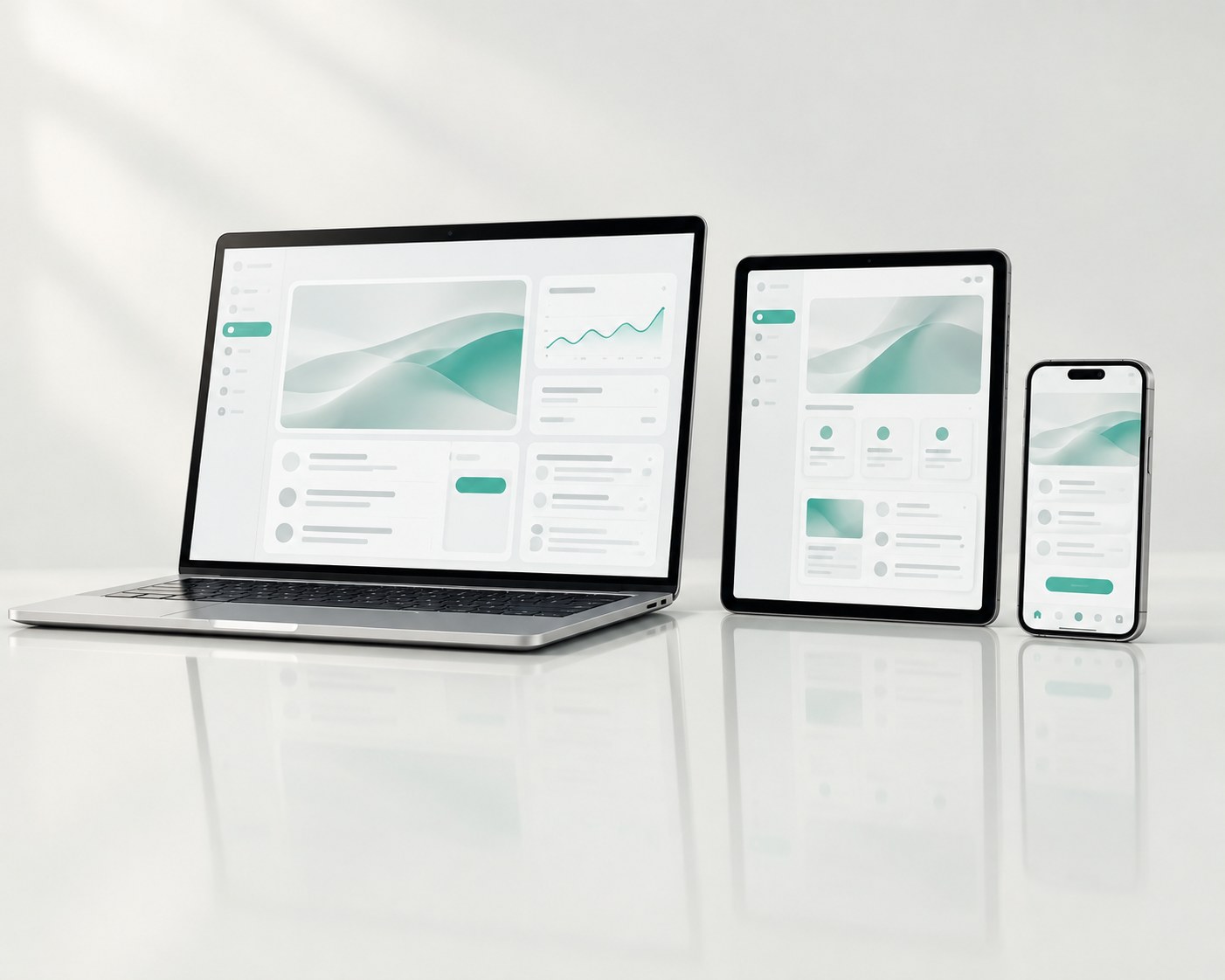
Cross-platform desktop tools with native OS integration and auto-update.
- Native speed on every OS
- Auto-updates without IT tickets
- Full access to local hardware
The problem
Your team needs software that runs offline, fast, and close to the hardware.
Desktop software makes sense when the work involves local files, connected devices or long sessions that a browser handles badly: engineering tools, media processing, point-of-sale, lab instruments, and back-office tools that must keep working offline.
We build for Windows, macOS and Linux, and we handle what makes desktop software hard to run in practice: installers, code signing, automatic updates and crash reporting.
What you receive
What a project produces.
The application
Software for your target operating systems, with an interface that behaves the way desktop users expect.
Local data and file handling
Databases or files stored on the machine, with backup and migration between versions.
Hardware and OS integration
Access to serial ports, USB devices, printers, scanners, the file system and system notifications where the task needs them.
Installers and code signing
Signed installers for each platform, so operating systems do not warn your users away.
Automatic updates
Releases delivered to installed copies without IT tickets, with a way to roll back a bad release.
Crash reporting
Reports of failures from machines in the field, so you find problems before your users report them.
How we approach it
The positions we take.
Match the toolkit to the job
A web-based shell suits interface-heavy tools that share code with a web product. Native or systems-level toolkits suit software that must be small, fast or close to hardware. We choose after reviewing the requirements.
Treat updates as part of the product
The update mechanism is built and tested with the first version, because it decides whether you can ever fix a bug in the field.
Test on the machines your users have
Older operating system versions, low-end hardware and locked-down corporate setups are part of testing.
How it runs
Four steps, from the first call to hand-over.
1
Scope and toolkit decision
We list the operating systems, devices and offline needs, choose the toolkit, and give you a fixed quote for the first version.
2
Build with installable builds
Every week you receive an installer you can run on your own machine, not a recording of one.
3
Pilot on real machines
A small group uses the software on the computers they really work on. We fix what only real setups reveal.
4
Release and update pipeline
Signed releases, the update service and the documentation are handed over, so you can ship the next version without us.
Is it a fit
When we are the right people, and when we are not.
A good fit
- Your users work offline, with large files, or with devices attached to the computer.
- You need software that starts fast and stays open all day.
- You have an internal tool that a spreadsheet macro no longer covers.
Another route is better when
- A web application would serve your users. It is easier to deploy and to update.
- You need a mobile app. That is a separate discipline.
- Software updates cannot be installed on your machines, so bug fixes would never arrive.
What we ask on the first call
- Which operating systems and versions must it run on?
- Which devices, ports or files does it touch?
- What has to work without a network?
- How will installs and updates be rolled out inside your organisation?
- Are there security or policy restrictions on the machines?
Questions
About Desktop App Development.
Something missing? Write to [email protected] and an engineer will answer.
Can you build for Windows, macOS and Linux from one codebase?
Usually yes, with a cross-platform toolkit. Where a task needs native APIs on one system, we write that part natively.
How do updates reach users?
Through an update service built into the app. Depending on your policy, users see a notice or the update installs quietly.
Can the app connect to our existing systems?
Yes, through APIs, databases or files. We check each interface during scoping.
Do you handle code signing certificates?
We set up signing with certificates issued to your company, because the certificate identifies you as the publisher.

Describe what you need.
Describe the problem in plain language. An engineer reads every inquiry and replies within one business day, with a written scope and fixed price before you commit to anything.
- Reply
- Within one business day
- First call
- Free, no commitment
- Confidentiality
- NDA on request, before you share anything
- [email protected]